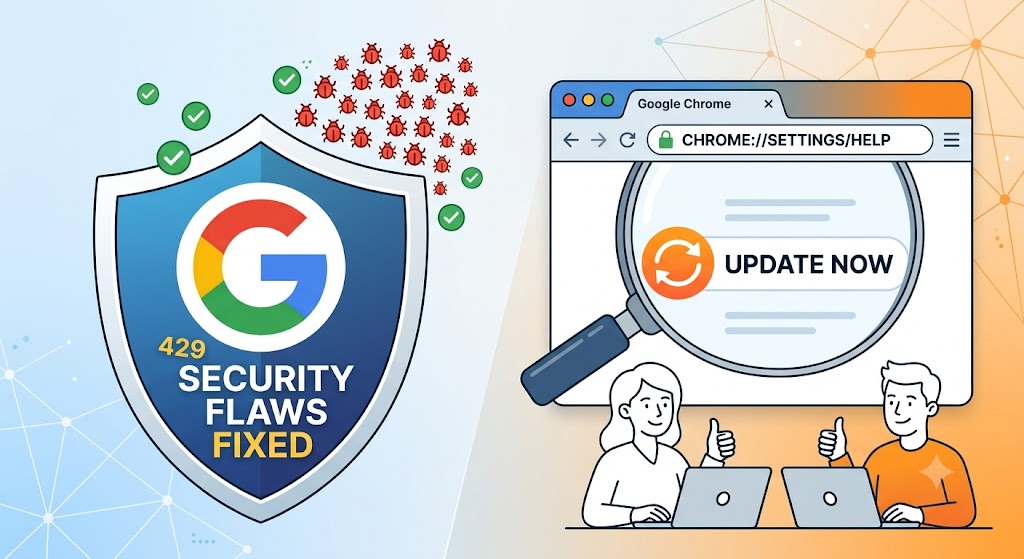
Google has rolled out a major security update for its Chrome browser, fixing more than 400 vulnerabilities that could have been exploited by hackers. The latest release addresses a total of 429 security issues, making it one of the company’s biggest security patch updates in recent months.
Many of these vulnerabilities were discovered by Google’s own security engineers, while others were reported by independent researchers through the company’s bug bounty program. In fact, Google rewarded security experts with more than $200,000 for helping identify these flaws.
Why Is This Important?
Your web browser is one of the most-used apps on your device. It’s where you log into social media, check emails, make online payments, and access sensitive information. If attackers find a weakness in the browser, they could potentially use it to steal data, run malicious code, or compromise your device.
To reduce the risk of exploitation, Google is keeping the technical details of many of these vulnerabilities private until the majority of users have updated their browsers.
How to Update Google Chrome
Updating Chrome takes less than a minute:
- Open Google Chrome.
- Click the three-dot menu in the top-right corner.
- Select Help → About Google Chrome.
- Chrome will automatically check for updates and install the latest version.
- Restart the browser when prompted.
Final Thoughts
Security updates may not seem exciting, but they are one of the simplest ways to protect yourself online. With Google fixing more than 400 security flaws in a single release, updating
About the Author